Configuration Manager–Installing ConfigMgr R2
From the archive (2010). Written for the tools of the time, so some details may be out of date.
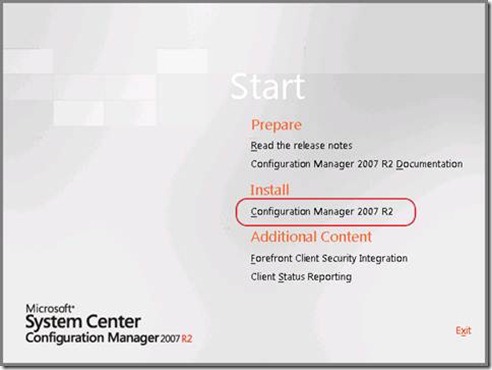
Open up the installation and select “Configuration Manager 2007 R2” under the Install section.
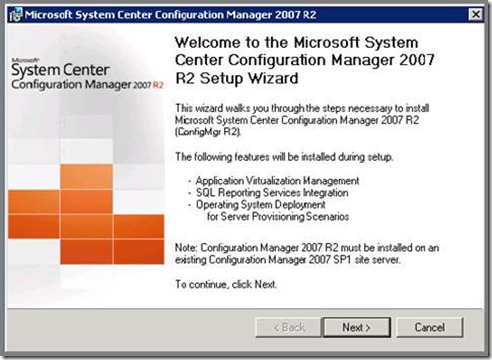
Select “Next”.
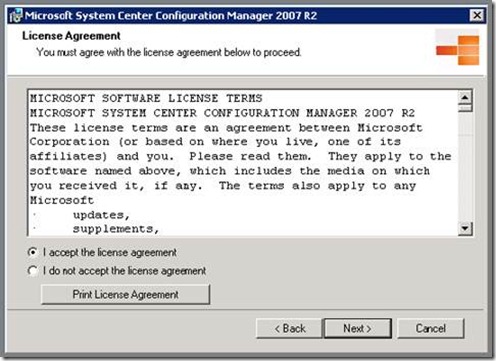
Select “I accept the license agreement” and select “Next”.
Select “Next”.
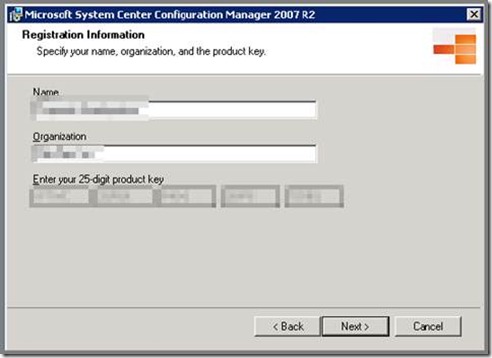
Select “Next”.
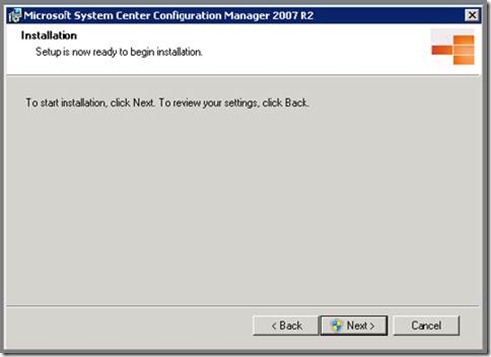
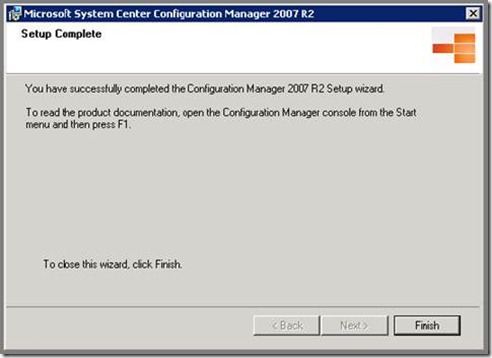
Select “Finish”.