Configuration Manager - Installing Windows Deployment Services to support the PXE Service Point
From the archive (2010). Written for the tools of the time, so some details may be out of date.
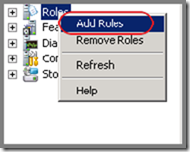
Open up Server Manager and select “Add Roles”.
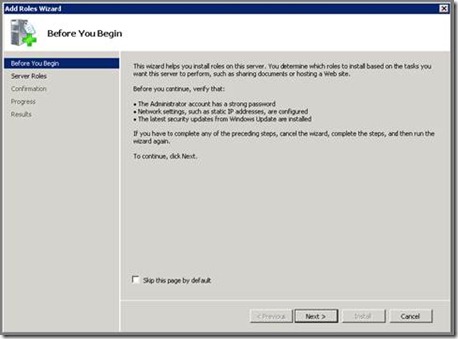
Click on “Next”.
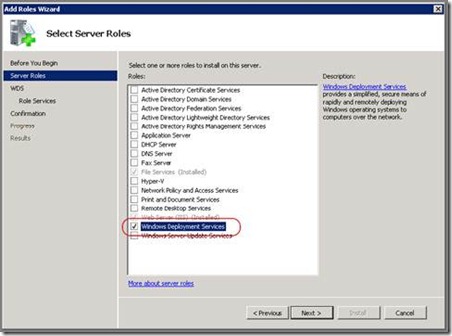
Select “Windows Deployment Services” and click “Next”.
Click “Next”.
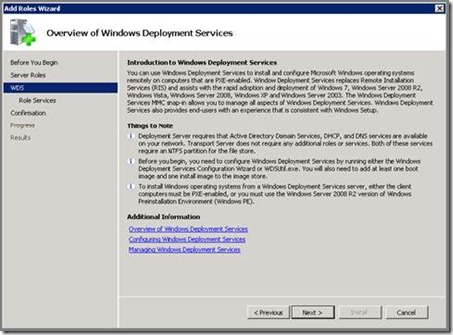
Click “Next”.
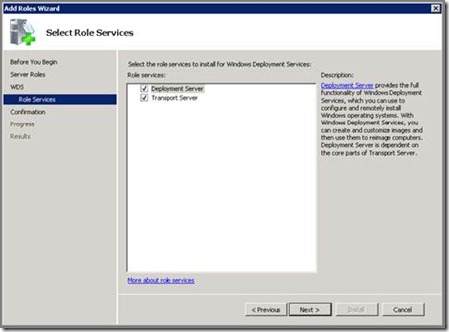
Click “Install”.
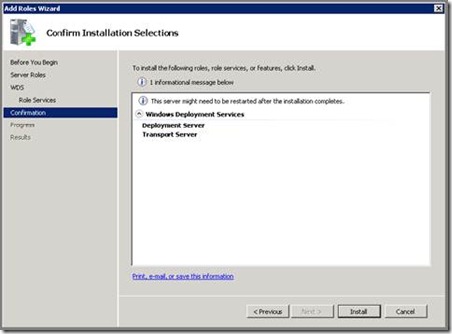
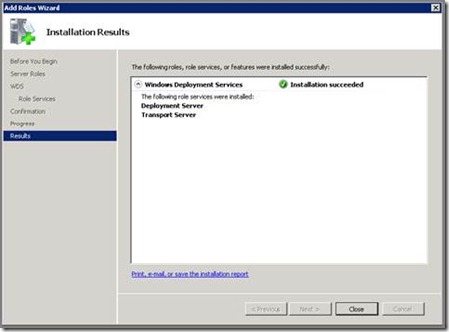
Click “Close” once the installation has completed.