Incorporating KB2028749 Into Your Microsoft Deployment Toolkit Reference Image Build Process
http://support.microsoft.com/kb/2028749
A “Set Network Location” dialog box appears when you first log on to a domain-joined Windows 7-based client computer

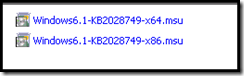
First download the KB from the above link. Once you have the files extracted out, we will need to import those updates into the Deployment Workbench.
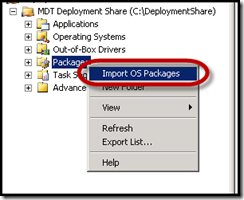
Open up your deployment share, and then expand to the packages node. Right-click and select “Import OS Packages”.
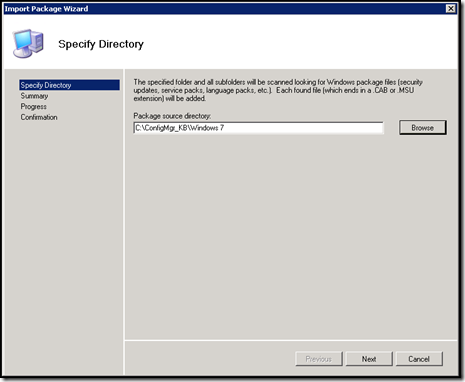
Point the package source directory to the location containing the 2 hotfixes.
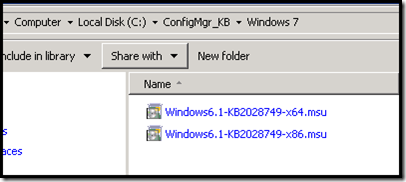
Once you have imported the updates. Create a new folder called “Windows 7”.
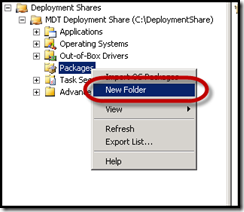
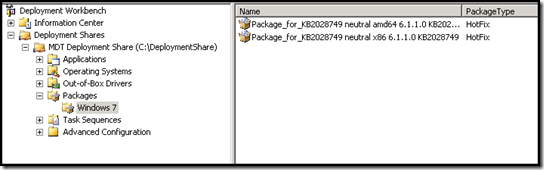
Move the updates into the Windows 7 folder.
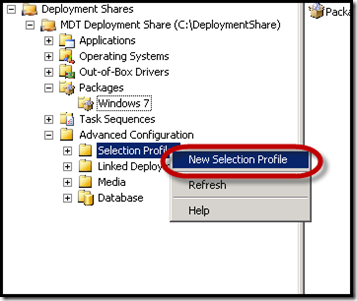
Expand Advanced Configuration, then right click on Selection Profiles and select “New Selection Profile”.
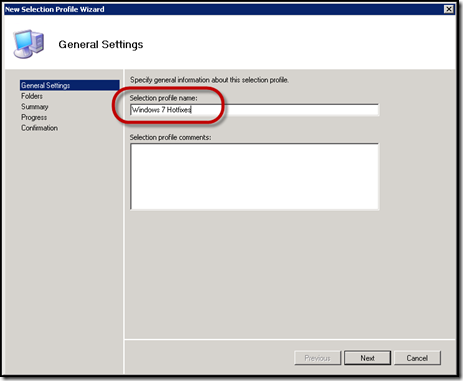
Create a Selection Profile called “Windows 7 Hotfixes”.
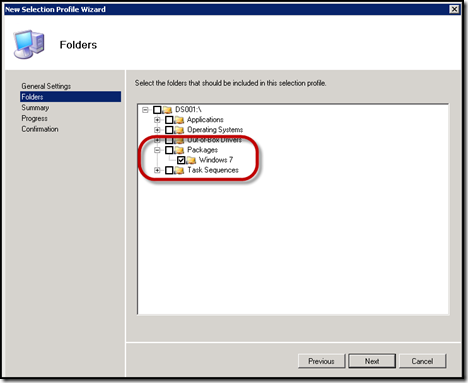
Select the Windows 7 folder that we previously created.
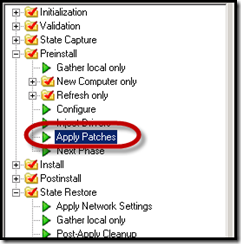
Next we need to open our Windows 7 Task Sequence and expand “Preinstall”. Click on the “Apply Patches” step.
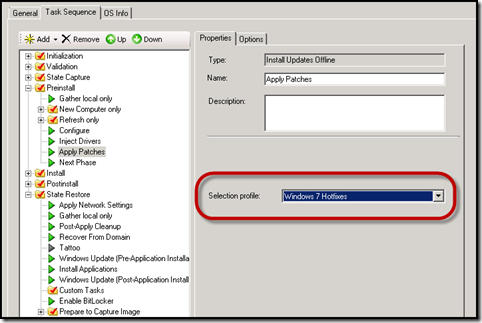
We need to change our selection profile to match the new “Windows 7 Hotfixes” Selection Profile that we created.
Now you can rebuild your reference image to include KB2028749 and eliminated the “Set Network Location” prompt.
Hope that helps.