Windows 8.1 - Disable Internet Search Results
From the archive (2014). Written for the tools of the time, so some details may be out of date.
Windows 8.1 is an interesting thing. It’s kind of a love/hate relationship most days :)
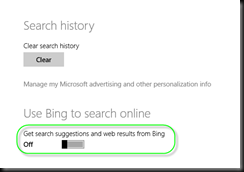
One thing that was really bugging me was the internet search results when searching in the Metro interface. Here’s how to disable that “feature”.
Bring up the charms menu (Windows Key + C) or swipe in from the right.
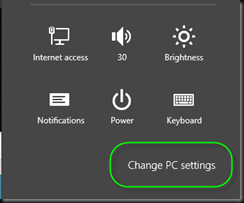
Click on Settings 
Click on Change PC Settings.
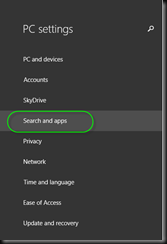
Select Search and Apps
Turn Use Bing to Search Online off.