Email Is Down. Now What? Five Ways Otto (Formerly Now Assist) Helps in a Major Outage
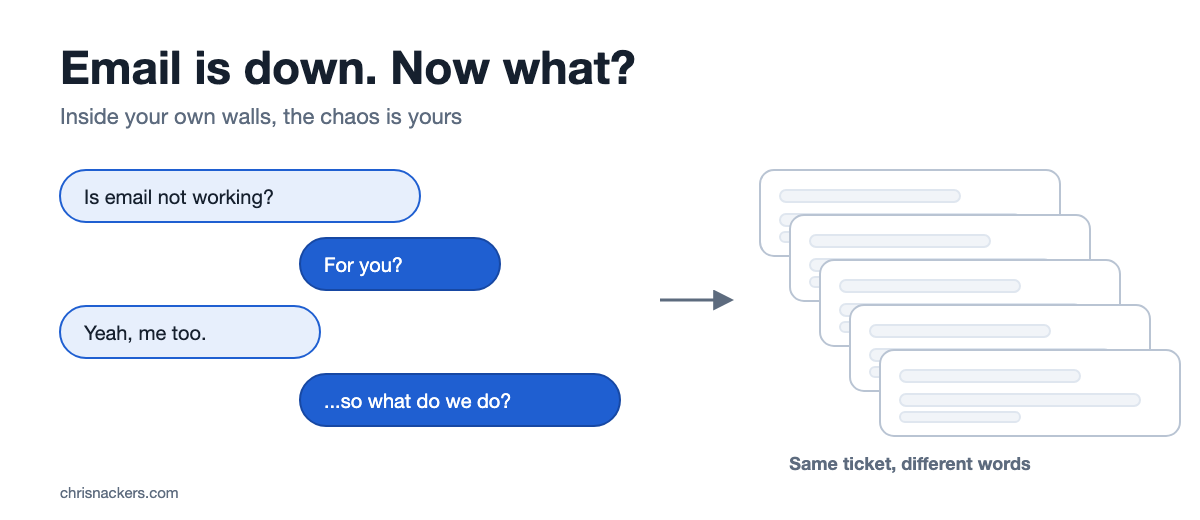
“Is email not working?”
“For you?”
“Yeah, me too.”
“…so what do we do?”
If you were anywhere near an office on November 12, you heard some version of that conversation. Microsoft 365 had a rough day, and Outlook, Teams and a long list of other services went with it. It took until the weekend to fully clear, and Microsoft says it was a technical issue, not a cyberattack. You know someone tried to email the service desk to report that email was down. Don’t be THAT person :)
I happened to be working remotely when it hit, and at first I assumed it was just the wifi I was on. Then someone told me they were down too. I was relieved it wasn’t me :)
I’m not here to pile on Microsoft. Every big platform has a bad day eventually, ServiceNow included. The very next day, the FAA stopped every departure in the country for several hours when air traffic control communications failed, and Microsoft says the two were not related. The question worth asking is the one from that conversation: what do we do?
The outage itself is somebody else’s to fix. The chaos inside your own walls is yours. ServiceNow Otto (formerly Now Assist) can help with that part. Otto is ServiceNow’s unified AI experience, and Otto for ITSM (formerly Now Assist for ITSM) is where the AI skills and agents now live. Here are five ways it helps when a major vendor goes dark.
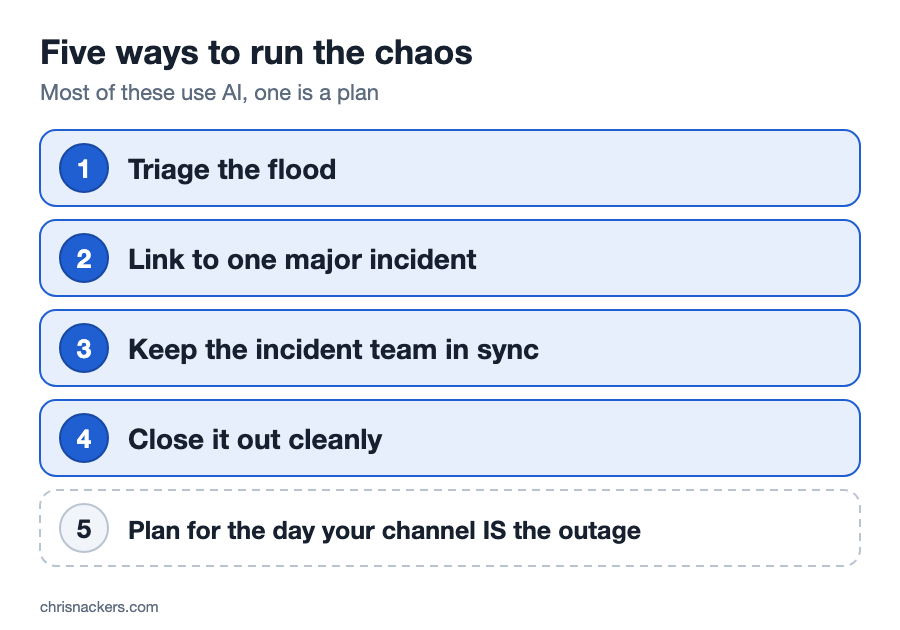
1. Triage the Flood
In the first thirty minutes of a major outage, your service desk does not get one ticket. It gets the same ticket over and over, described a different way every time. “Outlook won’t open.” “Can’t send.” “Calendar is broken.” “Is it just me?”
Otto’s triage workflow puts three AI agents on that intake. The first categorizes the incident. The second identifies the service and the configuration item behind it. Your service desk spends less time sorting and more time working the problem.
2. Link Every Ticket to One Major Incident
Sorting is only half of it. The third agent in that triage workflow looks for a related major incident and links the new ticket to it. If there is no major incident, it looks for an open problem instead.
So you get ONE major incident with the related tickets attached, not a queue full of orphans. A person still declares the major incident. Otto does not make that call for you, and it shouldn’t. It helps everything that belongs to it find its way there.
3. Keep the Incident Team in Sync
A major incident generates a LOT of chat. The person who joins forty minutes in has two choices: scroll through all of it, or interrupt everyone and ask what they missed.
Otto can summarize the Sidebar discussion and share that summary straight into the incident work notes. The late joiner reads a short summary instead of the whole thread. The record of what was decided lives on the incident, not in someone’s chat history.
4. Close It Out Cleanly
When the vendor finally recovers, nobody wants to write resolution notes. So nobody does, and six months later you have no idea what happened.
Otto’s resolution agent suggests the resolution notes and the resolution code, and revises them if you push back. It updates the incident only after a person approves.
On the Brazil release there is also a post-incident review agent. It generates the post-incident report for a major incident and notifies the person working it. The review that usually slides starts with a draft.
5. Plan for the Day Your Channel IS the Outage
This one is not AI, and it is the one most teams miss.
Major Incident Management in ServiceNow runs its updates through a communication plan, and every task on that plan goes out through a channel. Take a peek at yours. If every channel on it depends on Microsoft, your plan for telling people about the outage was part of the outage.
Add at least one channel that does not ride on the thing most likely to fail. Then test it on a quiet day, not in the middle of the next one.
The Honest Caveats
A few things to keep straight, because I’d rather you hear them from me than find out mid-incident:
- What you have depends on your licensing and your release. Otto for ITSM (formerly Now Assist for ITSM) is generally available. You get it with the latest ITSM SKUs, or on previous-generation licensing with AI added on. The triage and resolution agents are in the Australia release, and the post-incident review agent is in Brazil. Check which release you are on before you plan around them.
- Do not count on Otto to spot the vendor outage. Microsoft retired its Microsoft 365 support integration for ServiceNow in 2025. Your people, or your monitoring, still raise the flag.
- ServiceNow has dependencies too. If your instance sends notifications through Microsoft email, or your users sign in through Microsoft, part of your response rides on the same outage. Know which parts.
So, What Do We Do?
You can’t prevent a vendor’s outage. You can decide what the first thirty minutes look like inside your own shop: one major incident, every ticket linked to it, the incident team on the same page, and a way to reach people that still works.
If you want to dig into what that looks like in your instance, reach out. Happy to compare notes!